

Click the button below to quickly generate your WhatsApp session ID:

Before deployment, configure your bot:
- Option A: Edit
config.envfile - Option B: Use environment variables on your hosting platform
Deploy the bot on your preferred platform.


🎬 Watch Full Deployment Tutorial (2026)
How to deploy BWM XMD on its own hosting - No Deployer Needed!


Once configured, your bot will be ready to use!
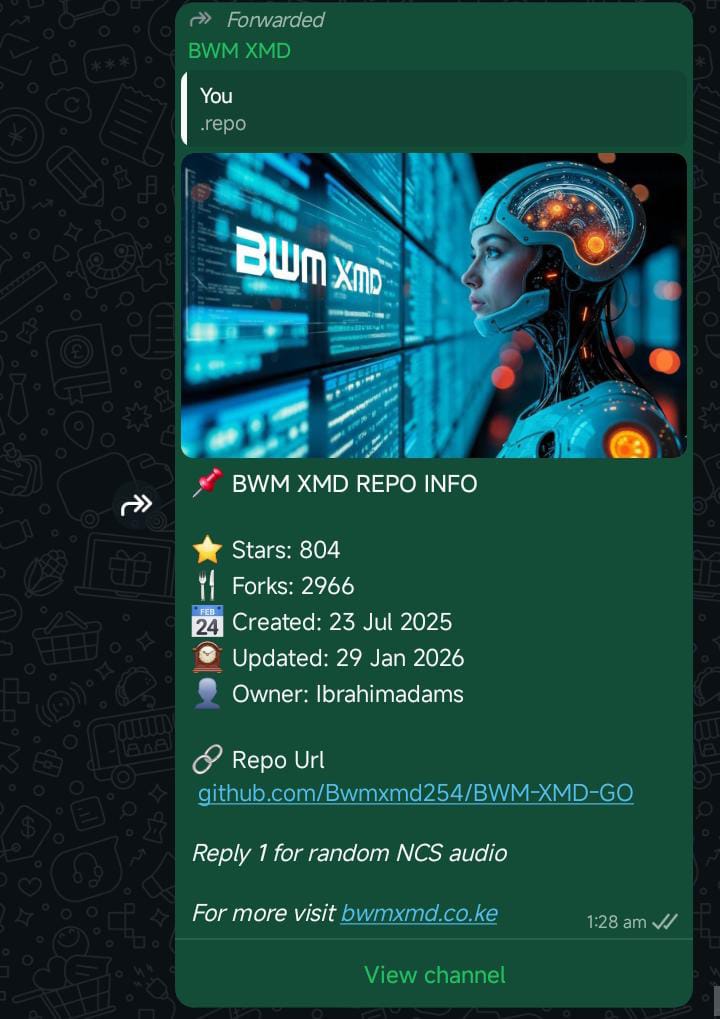 Bot Interface |
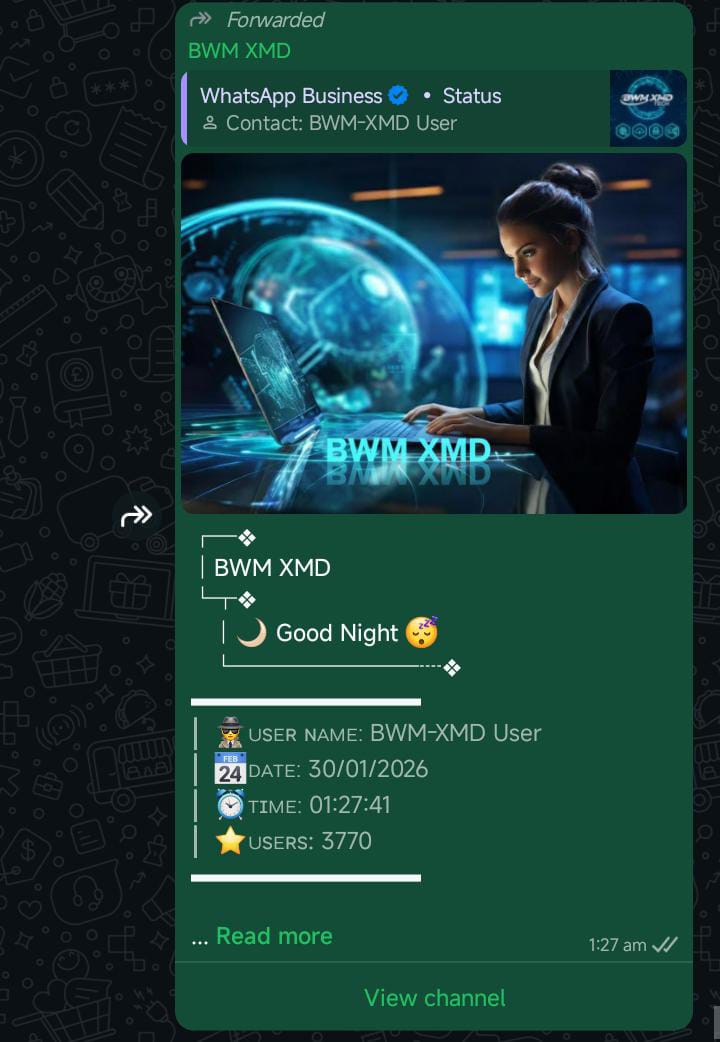 Features Panel |
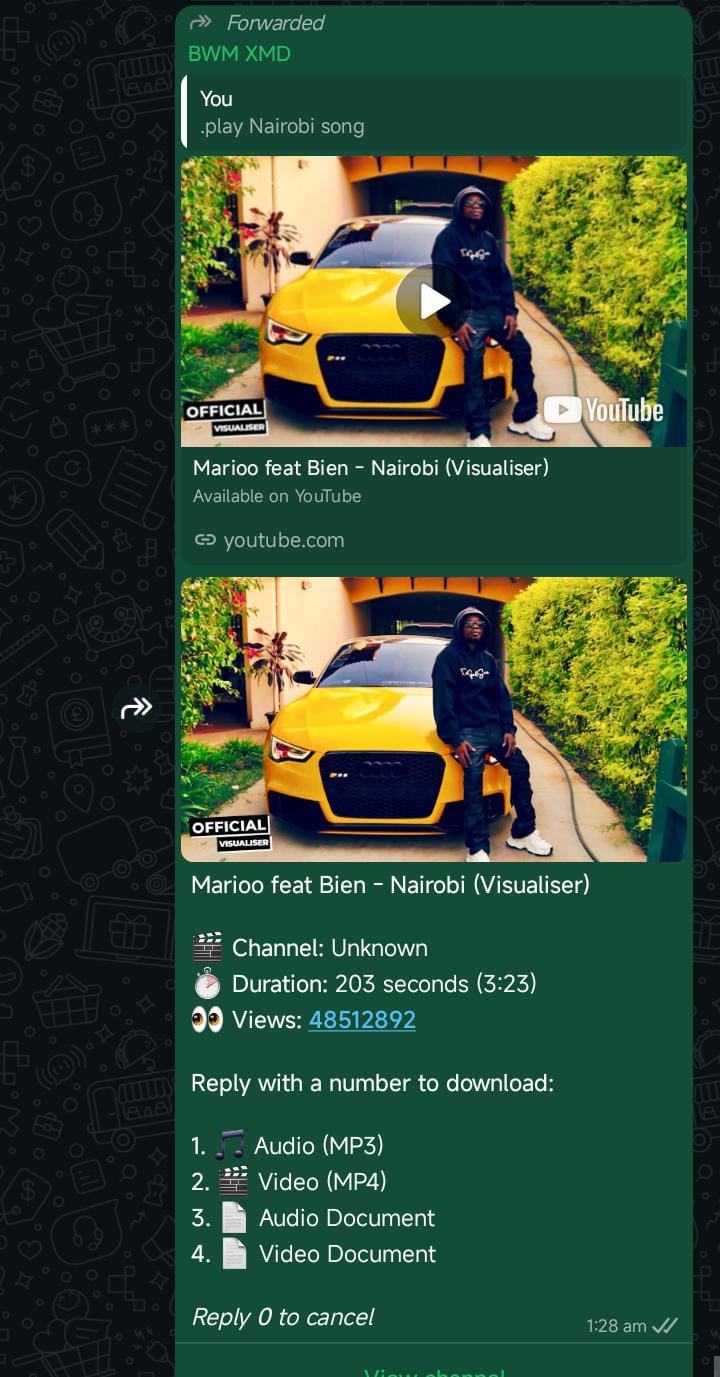 Control Panel |
|





Status: 🟢 ONLINE
BWM XMD PRO © 2026 | Developed by Ibrahim Adams