Use all MISP modules through a dedicated website without requiring a MISP instance.
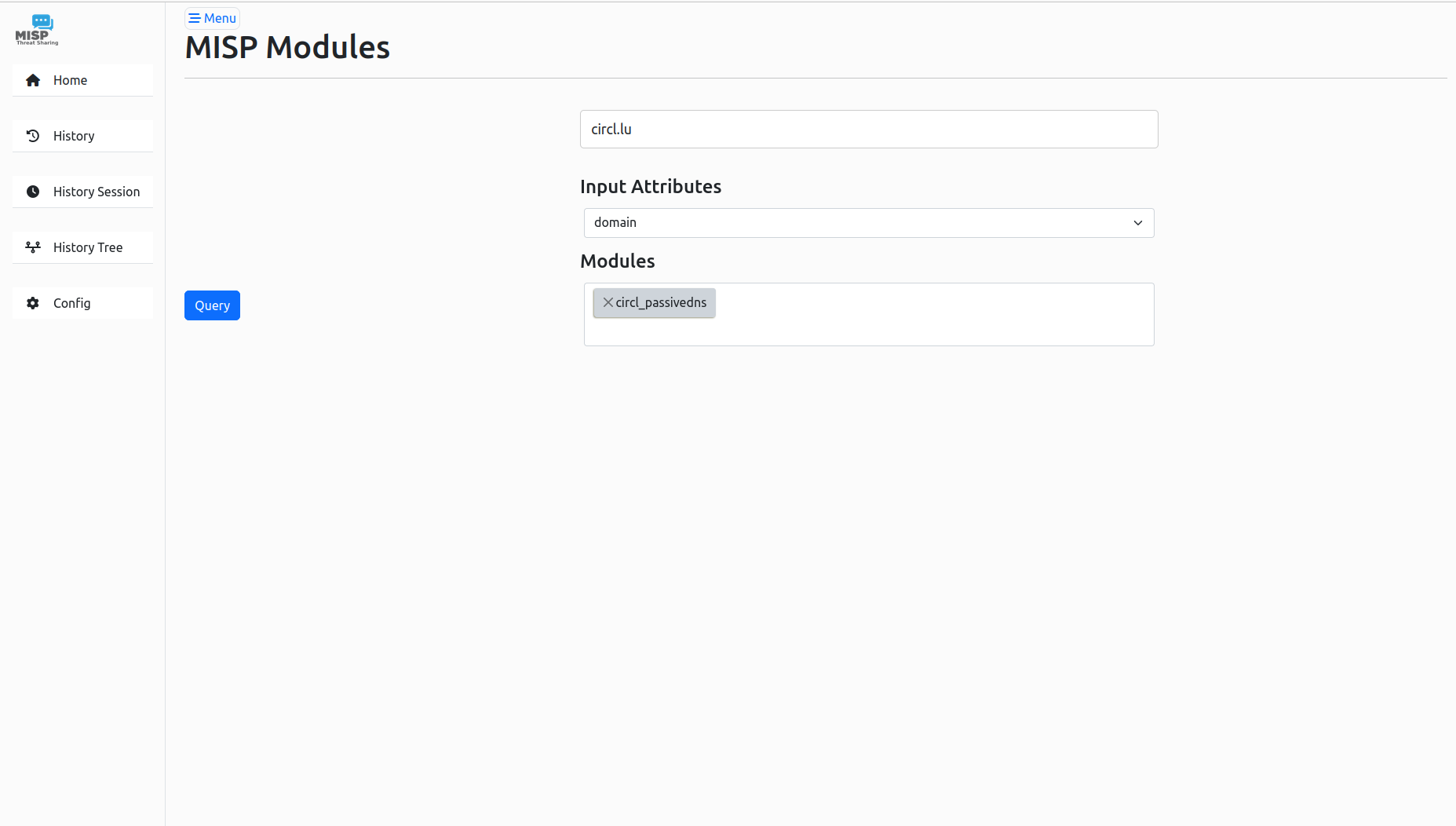
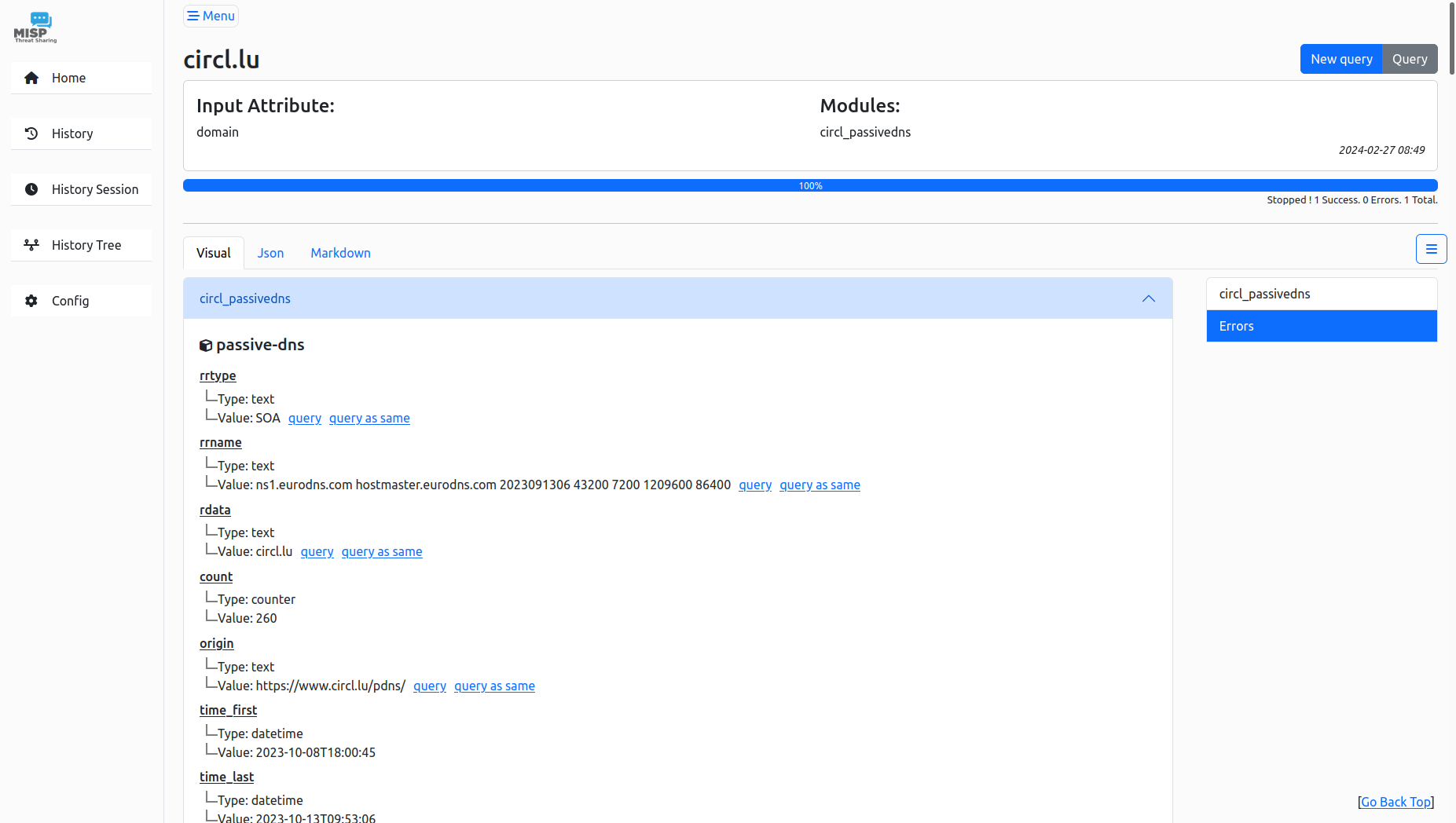
The MISP Modules website uses Poetry for dependency management. It is recommended to install dependencies in a virtual environment managed by Poetry.
- Python 3.10 or higher
- Poetry
-
Clone the Repository:
git clone https://github.com/MISP/misp-modules.git cd misp-modules/website -
Initialize Submodules:
git submodule init git submodule update # Initialize misp-objects submodule -
Install Dependencies:
poetry install
-
Initialize the Database:
poetry run mmw db init
This creates the database (
misp-module.sqlite), initializes modules, and sets up the admin password (generated in development if not set).
Configuration is managed via a .env file in website/. Copy the example and edit as needed:
cp .env.example .env
nano .envDATABASE_URI: Database URL (default:sqlite:///misp-module.sqlite).SECRET_KEY: Secure key for the Flask app (generate withpython -c "import secrets; print(secrets.token_hex(16))"oropenssl rand -hex 16).FLASK_URL: Host for the website (default:127.0.0.1).FLASK_PORT: Port for the website (default:7008).MISP_MODULE: URL and port ofmisp-modules(default:127.0.0.1:6666).ADMIN_PASSWORD: Admin user password (optional in development, required in production).QUERIES_LIMIT: Maximum queries allowed (default:100).SESSION_TYPE: Session storage type (default:sqlalchemy).SESSION_SQLALCHEMY_TABLE: Session table name (default:flask_sessions).FLASK_APP: Flask entry point (default:main).
Example .env:
DATABASE_URI=sqlite:///misp-module.sqlite
SECRET_KEY=your-secure-secret-key
FLASK_URL=127.0.0.1
FLASK_PORT=7008
MISP_MODULE=127.0.0.1:6666
QUERIES_LIMIT=100
SESSION_TYPE=sqlalchemy
SESSION_SQLALCHEMY_TABLE=flask_sessions
FLASK_APP=main
# ADMIN_PASSWORD=your-admin-password  # Uncomment and set for production
Run both misp-modules and the website in development mode with debug enabled:
poetry run mmw dev- If
ADMIN_PASSWORDis unset in.env, a random 20-character password is generated and printed. - Access the website at
http://127.0.0.1:7008(or as configured).
Use systemd services for production deployment (see Systemd Services below). Ensure ADMIN_PASSWORD is set in .env to avoid startup errors.
If ADMIN_PASSWORD is set in .env, the admin user is active. Access the login page at /login and use the password from .env (or the generated password in development).
- Development: If
ADMIN_PASSWORDis unset, a password is generated and printed to the console. - Production:
ADMIN_PASSWORDmust be set in.env, or the application will fail to start with an error.
Manage the database with the following commands:
poetry run mmw db init     # Initialize database and modules
poetry run mmw db migrate   # Generate a new migration
poetry run mmw db upgrade   # Apply migrations
poetry run mmw db downgrade # Revert the latest migrationTemplate systemd service files are provided in etc/ for misp-modules and the website.
-
Copy Service Files:
sudo cp website/etc/misp-modules.service /etc/systemd/system/
sudo cp website/etc/misp-modules-website.service /etc/systemd/system/
-
Reload Systemd:
sudo systemctl daemon-reload
-
Enable and Start Services:
sudo systemctl enable misp-modules.service
sudo systemctl enable misp-modules-website.service
sudo systemctl start misp-modules.service
sudo systemctl start misp-modules-website.service
-
Check Status:
sudo systemctl status misp-modules.service
sudo systemctl status misp-modules-website.service
Logs are written to /var/log/misp-modules_*.log and /var/log/misp-modules-website_*.log.
Log rotation configurations are provided in etc/logrotate.d/ to manage service logs.
-
Copy Logrotate Files:
sudo cp etc/logrotate.d/misp-modules /etc/logrotate.d/
-
Test Logrotate:
sudo logrotate -d /etc/logrotate.d/misp-modules
Logs are rotated daily, compressed, and retained for 7 days.
- Ensure
misp-modulesis installed and running in../misp-modules. - Set a secure
ADMIN_PASSWORDin.envfor production. - Adjust
.serviceandlogrotate.dpaths or user settings for your environment.