

Welcome to the Style Transfer with Neural Networks project! In this project, we explore the application of neural networks to perform artistic style transfer, allowing us to blend the artistic style of one image with the content of another.
- Project Overview
- Setup & Installation
- File Structure
- How to Run
- Sample Run
- Concepts Behind the Project
- Examples of Generated Images
- Technologies Used
- Parameters & Tuning
- License
- Contact
Style transfer is a technique in deep learning that involves using Convolutional Neural Networks (CNNs) to separate and combine the style of one image with the content of another image. This project implements a neural style transfer model using PyTorch and pre-trained VGG19.
- Use of pre-trained neural networks for feature extraction (VGG19)
- Content loss and style loss based on Gram matrices
- Supports custom content and style images
- Optimization with L-BFGS optimizer for faster convergence
To get started with this project, you'll need to install the following dependencies:
pip install torch torchvision matplotlib Pillow| File/Folder | Description |
|---|---|
Style Transfer with Neural Networks.ipynb |
The main notebook implementing style transfer |
images/ |
Directory containing sample content and style images |
output/ |
Folder to store the generated images |
requirements.txt |
List of dependencies |
-
Clone the repository and navigate to the project folder:
git clone https://github.com/yourusername/style-transfer-project.git cd style-transfer-project -
Run the Jupyter Notebook to perform style transfer on your custom images. You can upload your content and style images directly in the notebook.
-
Adjust parameters like
content_weight,style_weight, andnum_stepsto tweak the results according to your preferences. -
View and save the generated images in the
output/folder.
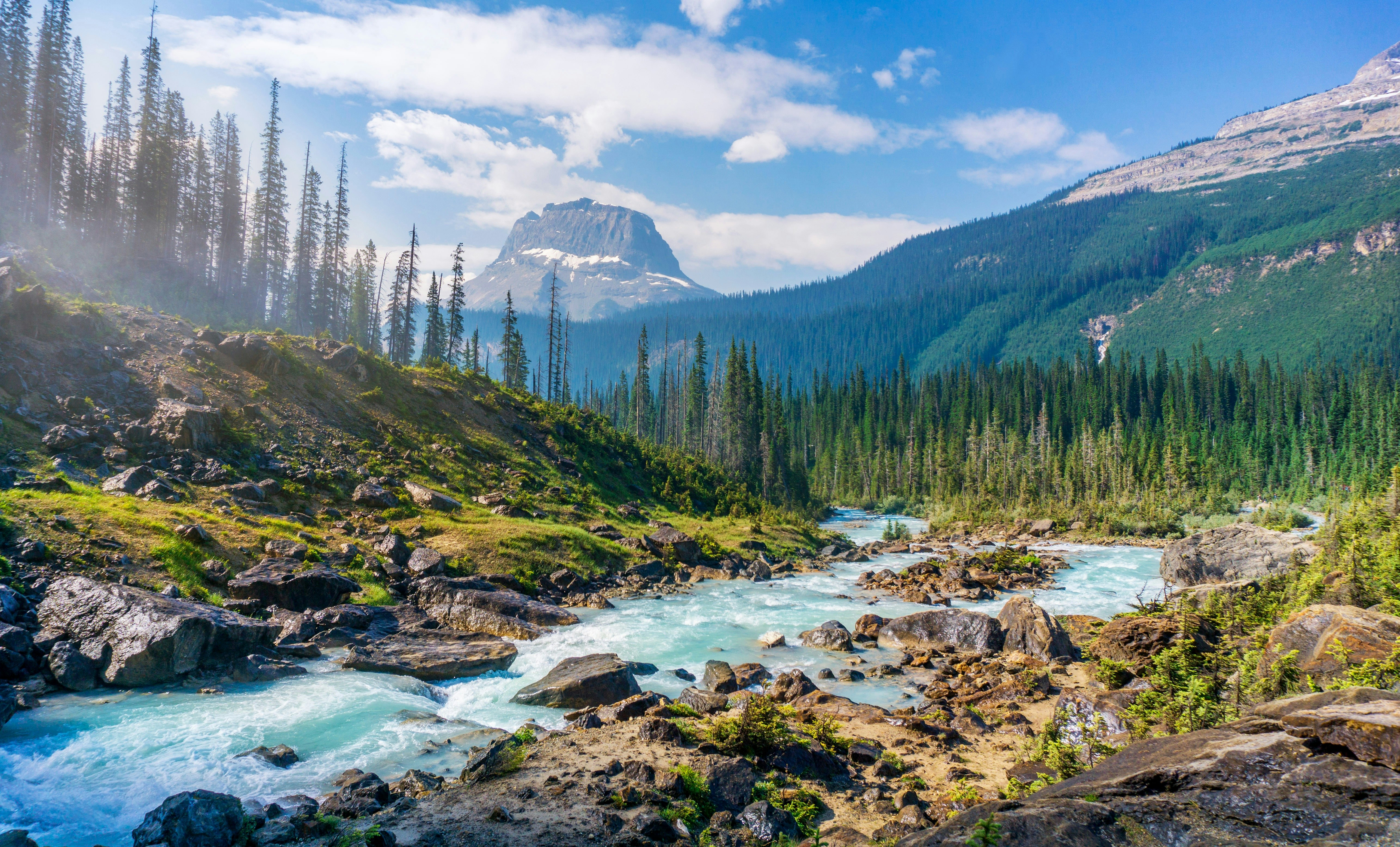
- Content Image: Defines the structure and objects in the final image.
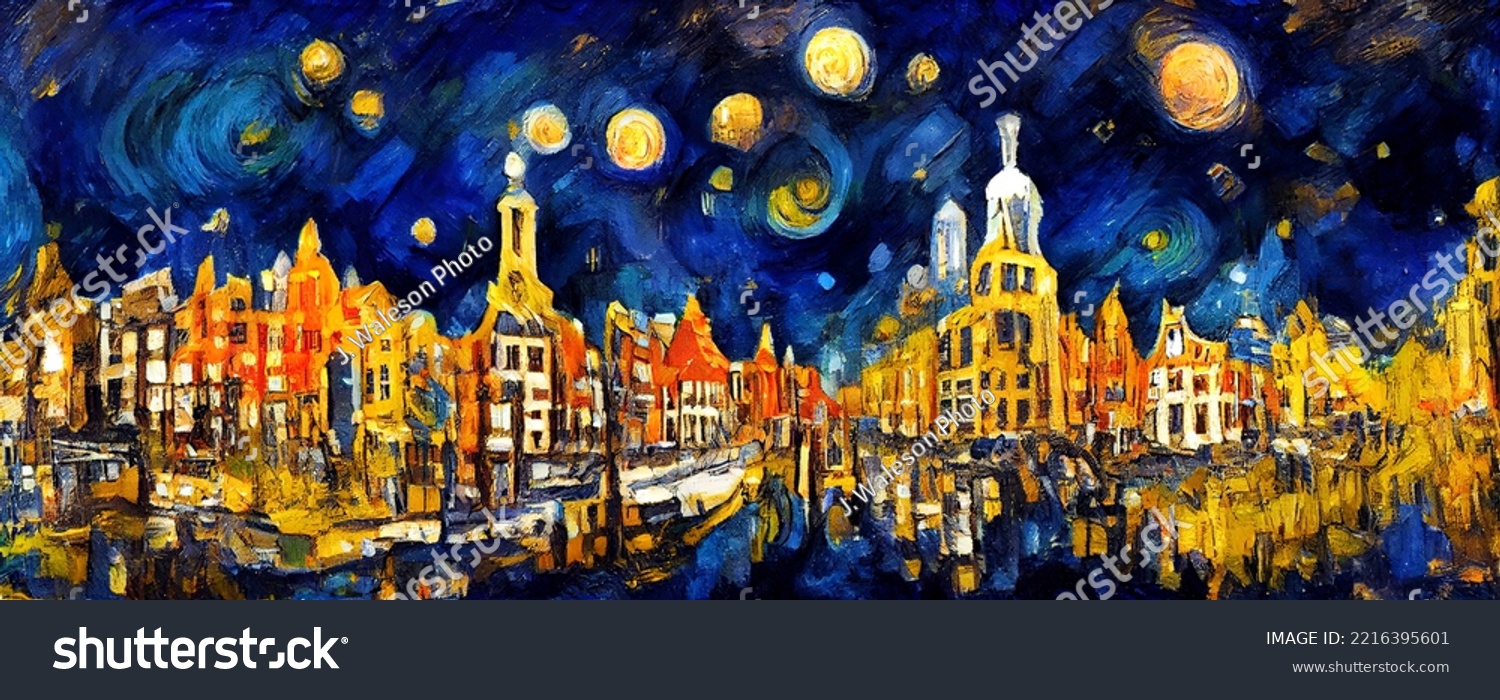
- Style Image: Provides the textures, colors, and patterns.
| Content Image | Style Image |
|---|---|
 |
 |
-
Content Representation: Extracted from deeper layers of the network to capture high-level structures in the image.
-
Style Representation: Captured using the Gram matrix of feature maps, representing correlations between different feature maps.
-
Optimization: The neural network optimizes a noise image to minimize both content loss and style loss, blending the content and style.
- Python 🐍
- PyTorch for deep learning
- Jupyter Notebook for interactive coding
- Matplotlib for visualizations
You can adjust the following parameters to control the output of the style transfer model:
| Parameter | Default Value | Description |
|---|---|---|
content_weight |
1e5 |
Weight for the content loss |
style_weight |
1e10 |
Weight for the style loss |
num_steps |
300 |
Number of optimization steps |
learning_rate |
0.01 |
Learning rate for the optimizer |
This project is licensed under the MIT License. See the LICENSE file for details.
If you have any questions, feel free to reach out to me at [alolikabhowmik72@gmail.com]