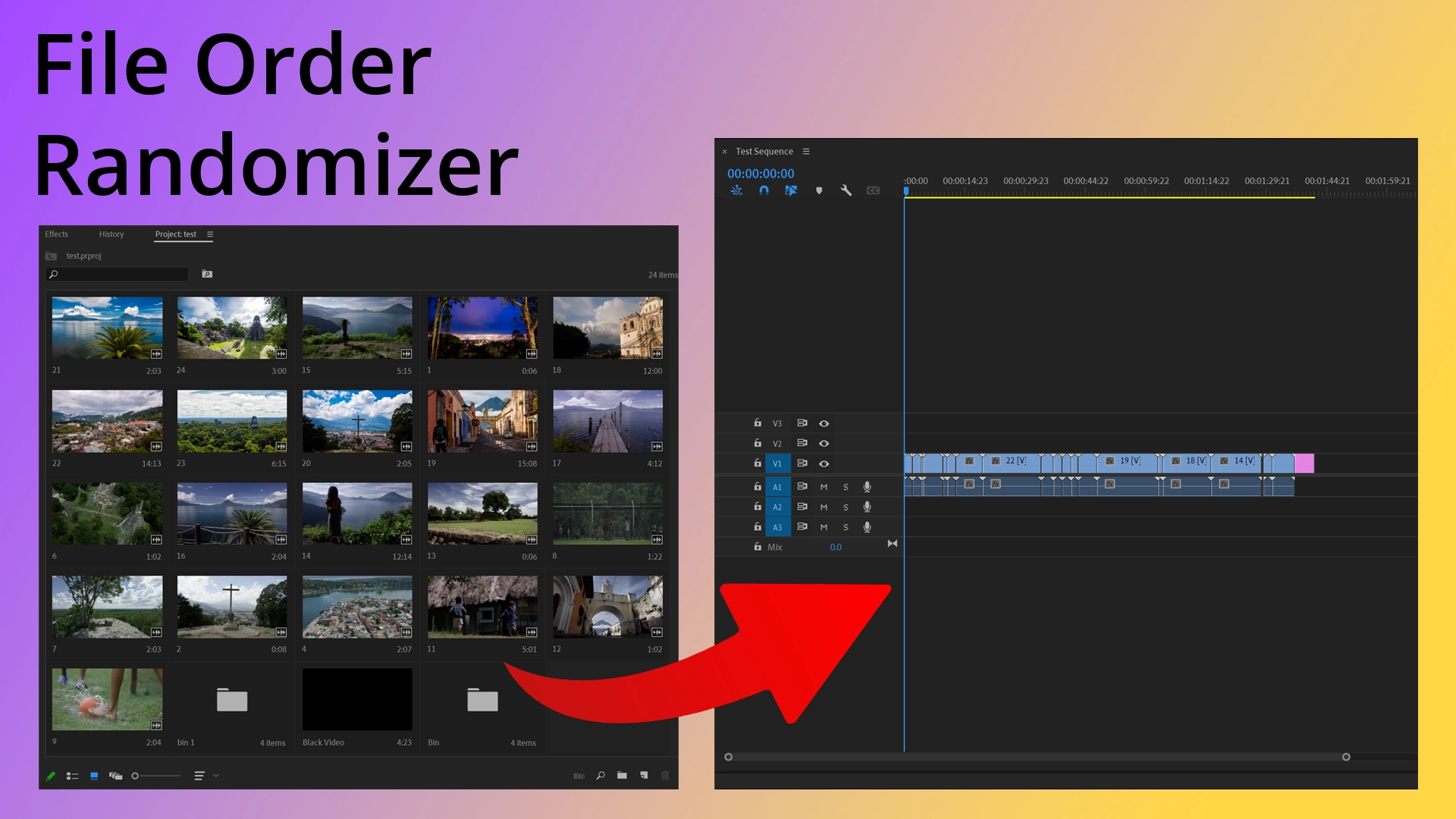
Instantly randomize clips in Adobe Premiere Pro to create dynamic edits and montages. No more manual shuffling or external scripts. This native extension lives directly inside Premiere Pro and builds randomized sequences on your active timeline.



- Flexible Randomization: Randomize all project items, a specific bin, or a manual selection of clips.
- Smart Filtering: Filter by file type (Video, Audio, Images) to randomize exactly what you need.
- Depth Control: Choose how deep to search in nested bins (Current level, 1-3 levels, or Unlimited).
- Native Integration: Works seamlessly inside Premiere Pro 2026 (and earlier), building sequences directly on your active timeline.
- Cross-Platform: Fully compatible with both macOS and Windows.
The easiest way to install is via the Adobe Creative Cloud Marketplace.
Install via Adobe Exchange
If you prefer to install manually or are having trouble with the Creative Cloud app:
- Download the latest .zxp file from the Releases Page.
- Use a ZXP installer tool (like ZXPInstaller).
- Drag the
.zxpfile into the installer. - Restart Premiere Pro.
- Open your project in Premiere Pro.
- Go to Window → Extensions → File Order Randomizer.
- Choose your Selection Mode (All Project Items, Selected Bin, or Manual Selection).
- Customize your Randomization Options (File Type Filter, Nesting Depth).
- Click Create Randomized Sequence.
Note: If "Extensions" is greyed out, make sure you have a project open first.
If you run into any issues installing or using the extension, check out my FAQ and troubleshooting guide.
For bug reports or support, please check the project page or email me at hello@kimichen.net.
This project is currently maintained as a personal tool.
- Found a bug? Please open an issue and describe the problem.
- Have a feature request? Feel free to open an issue to discuss it!
- Want to submit code? Since setting up the Adobe CEP environment is complex, please open an issue to discuss your proposed changes before submitting a Pull Request.
This extension is free and will always remain free. If it saved you time, consider buying me a coffee!
© 2026 Kimi Chen. All rights reserved.