A DIY theme forked from Hugo Novela.
This theme requires Hugo extended > 0.65.0
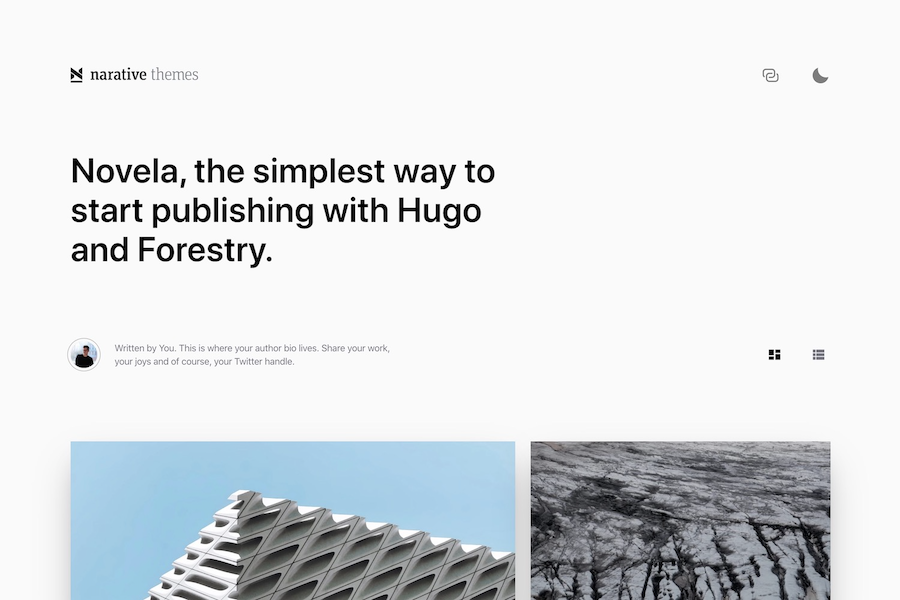
Create a new Hugo site and initialize your project as a Hugo module:
hugo new site my-awesome-blog
cd my-awesome-blog
hugo mod init
Edit your config.toml to add the theme settings:
baseURL: "https://example.com"
languageCode: "en-us"
title: "Hugo Novela"
pygmentsstyle: 'monokai'
theme: "hugo-theme-novela"
paginate: 10

# Theme i18n support
# Available values: en, zh-cn
DefaultContentLanguage: zh-cn

social:
  github: "#"
  instagram: "#"
  youtube: "#"
  bilibili: "#"
  weibo: "#"

taxonomies:
  author: authors

params:
  footerTitle: "DongYuHui"
  footerRecord: "Hello World"
  showAbout: true
Create your first draft post and preview it locally:
hugo new post/my-first-post.md
hugo server -D
You're good to go!
Override /themes/novela/layouts/partials/icons/ui/logo.html with your own file at /layouts/partials/icons/ui/logo.html; include your logo in SVG format for desktop and mobile formats.
Novela supports light and dark mode. To have your logo respond in kind, add class="change-fill" to the svg path(s).
You should register authors as a taxonomy in your project's `config.yaml``
taxonomies:
author: authorsAuthors must be added in content/authors.
Create a folder per author and add an _index.md file in it.
Here's an example of the front matter fields supported by default:
# /content/authors/firstname-lastname/_index.md
---
title: DongYuHui
bio: |
  Written by You. This is where your author bio lives. Share your work, your
  joys and of course, your Twitter handle.
avatar: /images/dong-yu-hui.jpg
featured: true
social:
  - title: youtube
    url: https://youtube.com
  - title: github
    url: https://github.com
  - title: weibo
    url: https://weibo.com
---Ad the name of the author to the "authors" field:
authors:
  - Dong Xiao Hui
- Chen Xiao MeiThis theme includes a shortcode for a newsletter callout form that you can add to any page. It uses formspree.io as proxy to send the actual email. Each month, visitors can send you up to one thousand emails without incurring extra charges. Visit the Formspree site to get get going add your Formspree email to your shortcode like this:
{{< subscribe email="your@email.com" >}}