Hero.IO is a Play Store-inspired web application where users can explore featured and top-rated apps, search for more through the app explorer, and view detailed information on each app. The platform also includes an installation manager to track and remove installed apps. With Firebase Authentication, users can securely sign in and manage their personalized app experience
Live Demo Link : https://thunderous-jelly-ead660.netlify.app/
ScreenShot: https://i.postimg.cc/gjCX7MFT/image.png
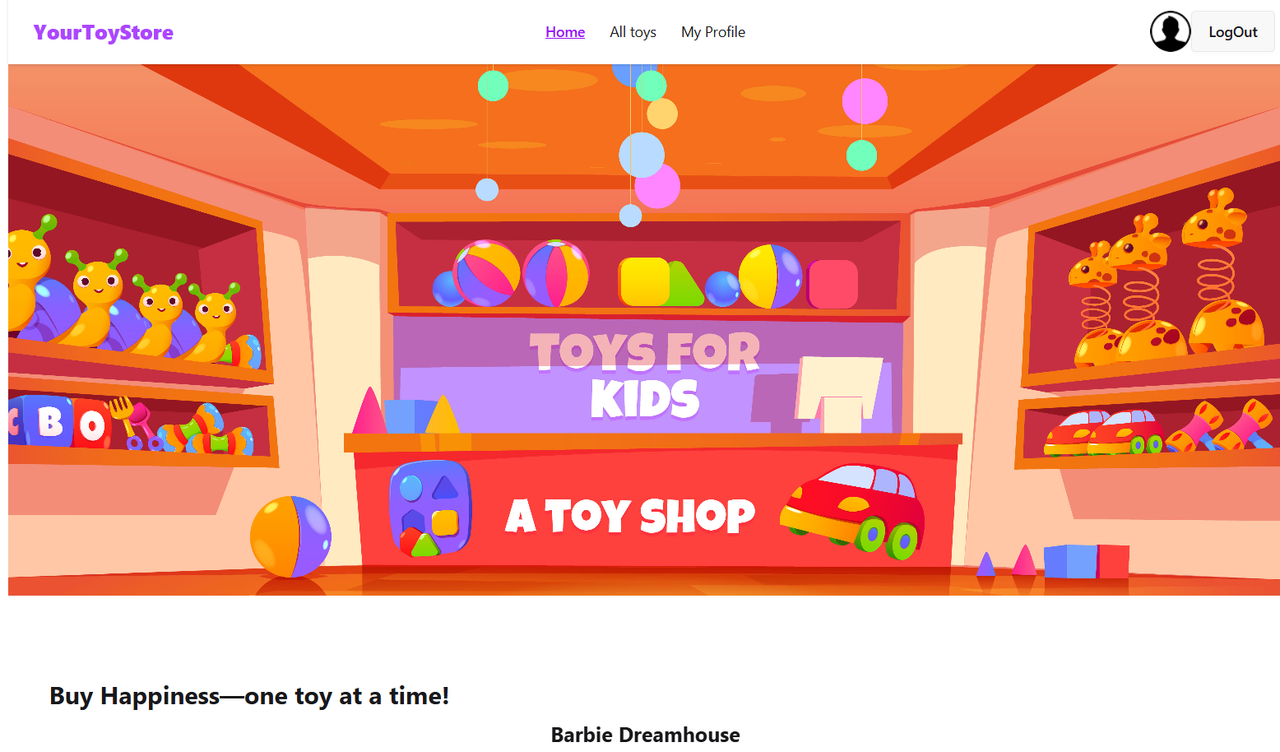
- Frontend: Vite + React
- Styling: Tailwind CSS, DaisyUI
- Design: Figma
- Routing: React Router
- Icons: React Icons
- Charts: Recharts
- Notifications: React Toastify
- Images: Unsplash API
- Authentication: Firebase Authentication
- Homepage: Displays 12 apps with top-rated apps highlighted.
- App Explorer: “Show More” and navbar link to view all apps.
- Search Functionality: Input field to quickly find apps.
- App Details: Click on an app card to view full details.
- Installation Management: Track installed apps and delete them when needed.
- Secure Authentication: Firebase-powered login system for safe and personalized access.
- Responsive UI: Clean, modern design with Tailwind + DaisyUI.
Main dependencies used in this project:
- react
- vite
- react-router-dom
- tailwindcss
- daisyui
- react-icons
- recharts
- react-toastify
- firebase (for authentication)
Installation & Setup (Run Locally) Follow these steps to run Hero.IO on your local machine:
- Clone the repository git clone https://github.com/your-username/hero-io.git cd hero-io
- Install dependencies: npm install
- Set up environment variables: Create a .env file in the root directory and add: VITE_FIREBASE_API_KEY=your_firebase_api_key, VITE_FIREBASE_AUTH_DOMAIN=your_project.firebaseapp.com, VITE_FIREBASE_PROJECT_ID=your_project_id, VITE_FIREBASE_STORAGE_BUCKET=your_project.appspot.com, VITE_FIREBASE_MESSAGING_SENDER_ID=your_sender_id, VITE_FIREBASE_APP_ID=your_app_id
- Run the development server: npm run dev
- Open in browser Visit http://localhost:5173