
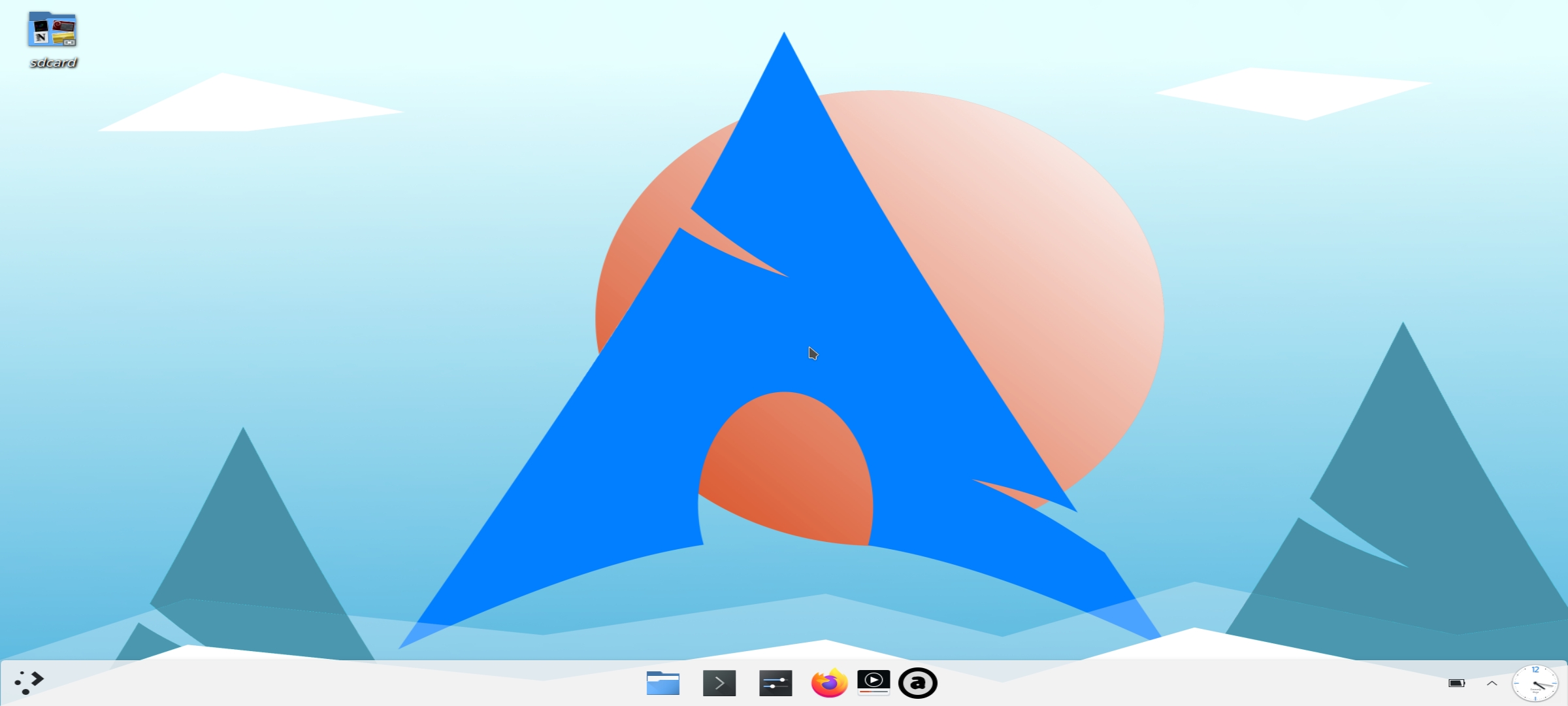
This is a preinstalled arch-linux distro with KDE plasma Desktop. For Android 12 & 13,before you install it , disable phantom process killer.Watch from here.
Download archlinux.tar.xz to Device's Download folder first.
pkg up -y && pkg i -y zsh wget

wget https://github.com/atamshkai/Termux-Zsh/raw/main/zsh.tar.xz

tar -xvJf zsh.tar.xz && mv zsh/.* ~/ && rm -rf zsh

chsh -s zsh
echo "killall pulseaudio &>/dev/null" >>~/.zshrc
echo "pulseaudio --start --exit-idle-time=-1; pacmd load-module module-native-protocol-tcp auth-ip-acl=127.0.0.1 auth-anonymous=1" >>~/.zshrc
pkg up -y && pkg i -y x11-repo && pkg i -y proot-distro pulseaudio termux-x11-nightly
termux-setup-storage
proot-distro restore /sdcard/download/archlinux.tar.xz
exit
Before login to proot,start termux-x11 first.
termux-x11 :1
proot-distro login archlinux --shared-tmp
pacman -S konsole --noconfirm
rm /run/dbus/pid
dbus-daemon --system
sleep 4
export PULSE_SERVER=127.0.0.1
env DISPLAY=:1 dbus-launch startplasma-x11 -dpi 120
OR
tm-x11
Archlinux,Manjaro,Debian,Kali OSs are suitable with KDE on termux-x11.