




Overview • Overview • Demo • Installation • Usage • Plug Options • Roadmap
Baberrage is one of the popular comment perform style in China.
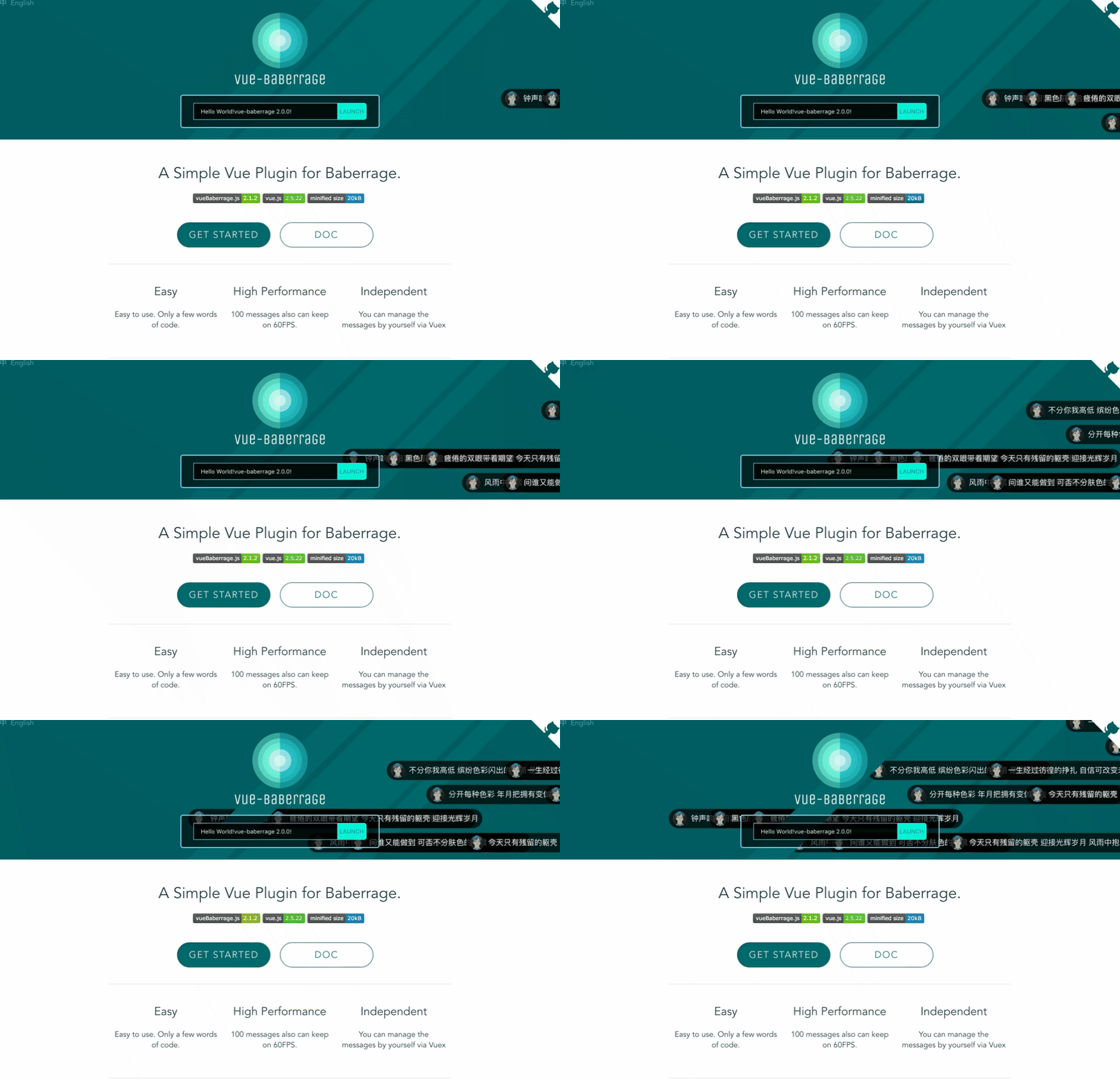
GIF performance is not good enough. Please refer to DEMO page
See the DEMO page
- Install package via NPM
npm i vue-baberrage- Install plugin within project
import Vue from 'vue'
import { vueBaberrage } from 'vue-baberrage'
Vue.use(vueBaberrage)
or
const vueBaberrage = request('vue-baberrage').vueBaberrageor
<script src="./dist/vue-baberrage.js"></script>- Template
isShowandbarrageListare necessary.
<div id="app">
<vue-baberrage
      :isShow= "barrageIsShow"
      :barrageList = "barrageList"
      :loop = "barrageLoop"
      >
    </vue-baberrage>
</div>- Script
import { MESSAGE_TYPE } from 'vue-baberrage'

export default {
  name: 'app',
  data () {
    return {
      msg: 'Hello vue-baberrage',
      barrageIsShow: true,
      currentId : 0,
      barrageLoop: false,
      barrageList: []
    }
  },
  methods:{
    addToList (){
      this.barrageList.push({
        id: ++this.currentId,
        avatar: "./static/avatar.jpg",
        msg: this.msg,
        time: 5,
        type: MESSAGE_TYPE.NORMAL
      });
...- Already done
Just two step, and add new barrage message by pushing data into the barrageList. You needn't concern about the management of the barrageList, it will be handled by vue-baberrage. Suggest the barrageList store into the Vuex.
- Default: `true`
- Acceptable-Values: Boolean
- Function: This is the switch that if barrage is displayed.
- Default: `[]`
- Acceptable-Values: Array
- Function: The is the container for managing the all barrage messages.
- Default: `parent's Width`
- Acceptable-Values: Number
- Function: Determine the width of the stage.
- Default: `window's Height`
- Acceptable-Values: Number
- Function: Determine the height of the stage.
- Default: `message's Height`
- Acceptable-Values: Number
- Function: Determine the height of the message.
- Default: 60
- Acceptable-Values: Number
- Function: Determine the word count of the message.
- Default: `false`
- Acceptable-Values: Boolean
- Function: Loop or not.
- Default: 2000
- Acceptable-Values: Number
- Function: The gap time between the message
- Default: `null`
- Acceptable-Values: Number
- Function: For distinguish with other barrage messages.
- Default: `#`
- Acceptable-Values: String
- Function: Show the avatar of the barrage message.
- Default: `null`
- Acceptable-Values: String
- Function: The content of the barrage message.
- Default: `normal`
- Acceptable-Values: String
- Function: the css class name of the barrage message.
- Default: `10`
- Acceptable-Values: Number
- Function: How long does the barrage message show.(Seconds)
- Default: MESSAGE_TYPE.NORMAL
- Acceptable-Values: Symbol
- Function: The type of the barrage message.
			MESSAGE_TYPE.NORMAL for scroll from right to left.
			MESSAGE_TYPE.FROM_TOP for fixed on the top of the stage.
barrage-list-empty when the barrageList is empty will be called.
<vue-baberrage
	      :is-show= "barrageIsShow"
	      :barrage-list = "barrageList"
	      :loop = "barrageLoop"
	      @barrage-list-empty="sayHi"
>- Realized the basic functionality.
- Performance improvement.
- Code specification
- Performance improvement.
- Using ES6.
- Performance improvement.
- Adding Throttling
I am developing Vue-Baberrage-Plus, difference between Vue-Barrage and Vue-Baberrage-Plus is former will be used for a tool, and Plus is a baberrage system.